Introduction
In the current digital world, businesses require effective means of reaching customers through the internet. Moreover, Facebook and Instagram have a huge number of users. Therefore, they are ideal for advertisement. This where the importance of Meta Ads Manager comes in. Essentially, Meta Ads is a tool that assists businesses in creating and managing Facebook Ads and Instagram Ads. Additionally, it gives advertisers the chance to manage all their campaigns in a single place, which significantly simplifies Social Media Advertising.
For instance, if you own a clothing business, you can use this tool to ensure that your ads reach people who are interested in fashion. As a result, this saves money and increases the probability of getting customers.
Furthermore, even a beginner can use Meta Ads Manager without the need for technical knowledge. Overall, the interface of this tool is highly user-friendly and intuitive
What Are Meta Ads?
Meta Ads is a form of paid advertising that appears on Social Media sites such as Facebook or Instagram. Additionally, these ads are made possible through a tool called Meta Ads Manager, which acts as a center for all advertising campaigns.
In contrast to other forms of advertising, precision targeting is made possible through Meta Advertising. Consequently, Meta Ads Manager allows users to decide who gets to view their Facebook Ads or Instagram Ads based on their interests, activity, or engagement.
For instance, if a user is known to engage with fitness content online, Meta Manager would ensure that they view ads related to gyms or health products. As a result, this makes advertising quite effective, thus increasing business ROI
Through Meta Manager, businesses also have the ability to monitor their ads, which makes it quite effective as compared to other forms of Social Media Advertising.
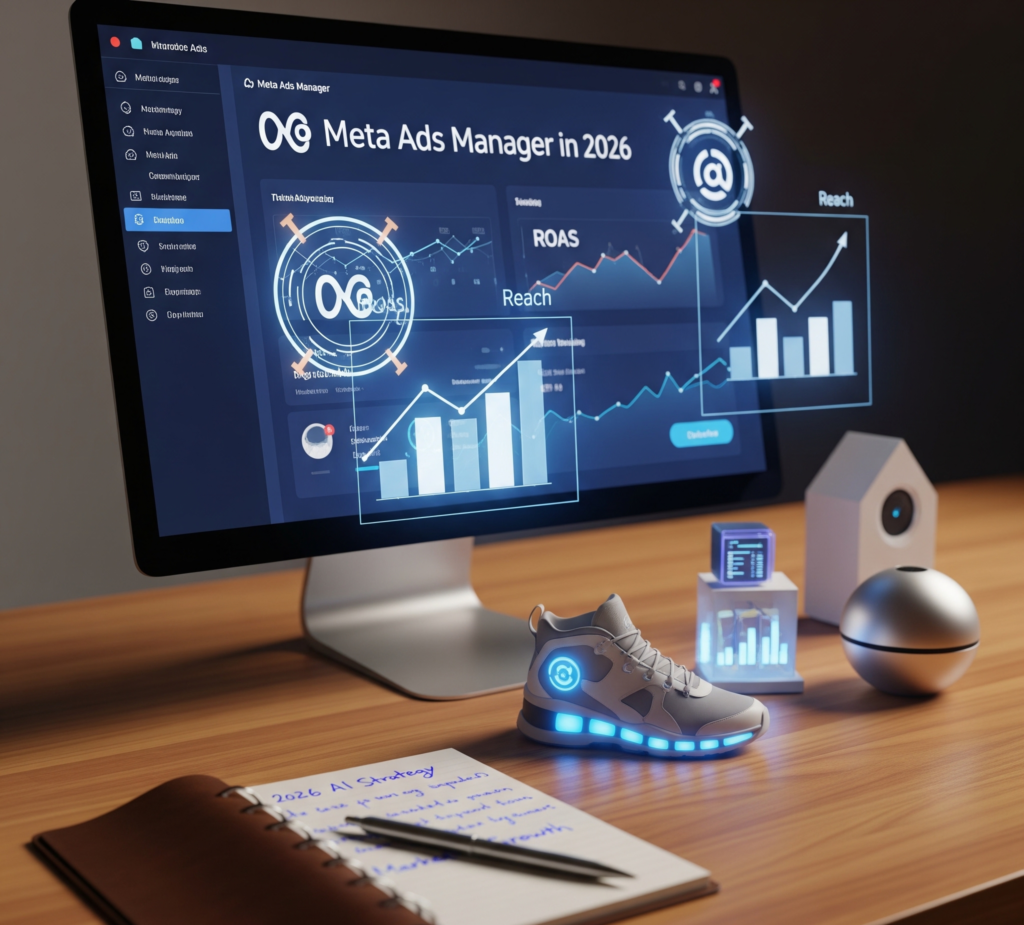
Why Businesses Should Use Meta Ads Manager
Using Meta Ads Manager provides multiple advantages for businesses of all sizes. The platform allows for advanced targeting, measurable outcomes, and cost-efficient campaigns.
1. Precise Targeting
Meta Ads enables businesses to reach audiences based on demographics, interests, and online behavior. Therefore ensures that Facebook Ads and Instagram Ads are relevant to the viewers.
2. Cost Control
Small businesses often worry about overspending. Meta Ads lets advertisers set daily or lifetime budgets, ensuring campaigns stay within limits while still reaching the intended audience.
3. Measurable Results
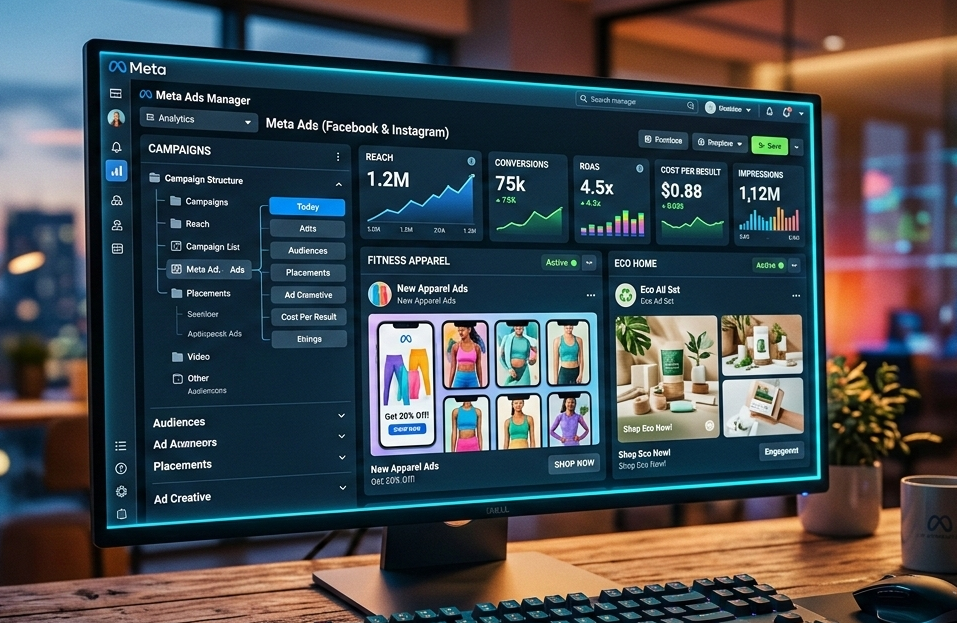
With Ads Manager, businesses can track clicks, impressions, conversions, and engagement. Moreover it helps marketers improve ad performance over time.
4. Brand Awareness
For growing businesses, Meta Advertising is a powerful tool to increase visibility. A local café, for instance, can use Meta Ads to target nearby coffee enthusiasts, as a result boosting both online and in-store traffic.
Types of Meta Ads :-
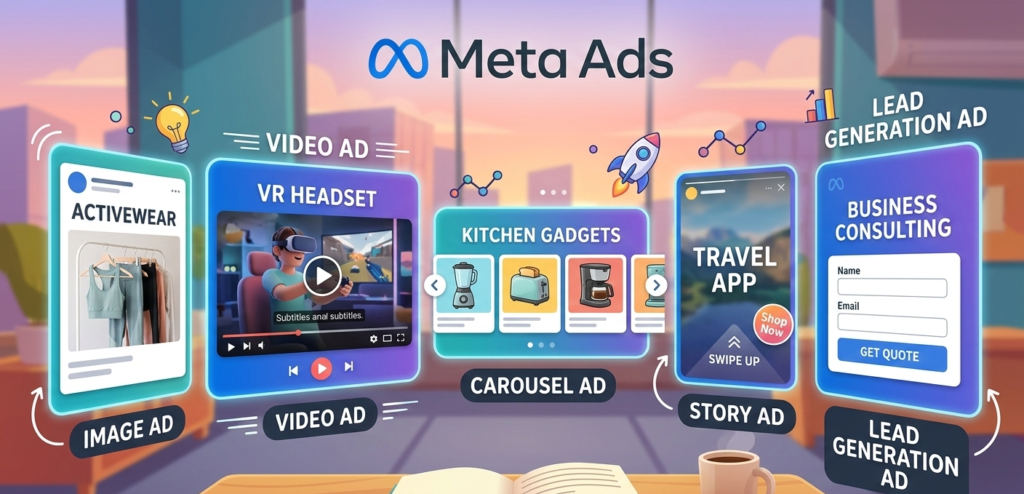
There are several types of ads available in Meta Ads Manager, each serving different objectives:
1. Image Ads
Simple and effective, these ads use a single image. Creating an image ad is easy through the use of Meta Manager. For instance Businesses can use this tool to advertise their products and services.
2. Video Ads
Video Ads are engaging ads that tend to attract more user interaction. Through the use of Ads Manager, businesses can upload their videos and advertise their products.
3. Carousel Ads
These ads use multiple images and videos in a single ad. Businesses can use the Meta Ads tool to advertise their products and services at the same time. This tool is particularly useful for businesses in the e-commerce industry.
4. Story Ads
These ads are displayed in Facebook and Instagram Stories. Through the use of Meta Ads, businesses can reach their customers in their mobile devices and use full-screen ads.
5. Lead Generation Ads
These ads allow businesses to collect their customers’ information through Facebook and Instagram. The use of Meta Manager in creating lead generation ads is particularly useful in generating qualified leads.
How Meta Ads Work?
(Algorithm + Targeting)
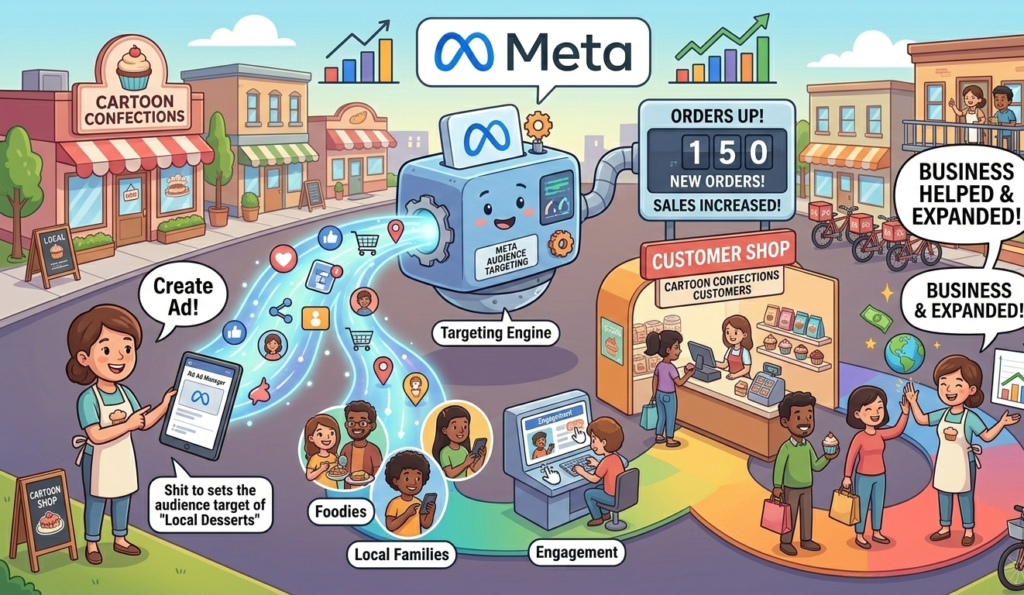
The power of Meta Ads lies in its algorithm. Meta Ads Manager uses user information to target users who are most likely to engage.
The algorithm takes into account:
- Previous engagement and activities
- Interests and pages they are following
- Search activities
For example, if users are searching for travel content, Meta Ads Manager will show them travel agency ads on Facebook or Instagram.
Advertisers can also target custom audiences or lookalike audiences using Meta Ads Manager. Moreover, this allows you to target users who are similar to your existing customers, therefore resulting in better conversion rates.
Additionally, Meta Ads Manager constantly analyzes the results to ensure ads are shown to the right people at the right time.
Step-by-Step Guide to Creating a Meta Ad
To create a campaign using the Meta Ads Manager tool, the steps are as follows:
- First, open the Meta Ads Manager tool and log in. This is the main interface for all your advertising campaigns.
- Select a campaign goal. This could be brand awareness, website traffic, conversion, and many more. The Meta Ads Manager tool offers many options.
- Identify your audience based on their demographics, interest, and behaviors. This will ensure that your Facebook Ads and Instagram Ads reach the right audience.
- Set a budget and schedule. Determine whether you want a daily budget or a lifetime budget for your campaign. Also, ensure it is cost-effective.
- Design your ad content using images, videos, and text. The Meta Ads Manager tool gives you the opportunity to customize each ad format.
To see examples of our live campaigns or get inspired for your own, check out our social media page here⇑
Tips for Better Results
To maximize the effectiveness of Meta Ads Manager:-
Use high-quality visuals to catch attention
Write clear, concise ad copy
Target audiences accurately
Monitor performance regularly
Test different ad formats to find the most effective
Quick Tip
Conduct A/B tests on the ads using the Meta Ads Manager. So for instance, an advertiser could use two different images for the same item and see which performs better. Such an approach would yield better results.
Common Mistakes to Avoid
Common mistakes that a beginner may commit, which may affect the efficacy of their Meta Advertising campaigns:
- Wrong Selection of Target Audience: Verifying the accuracy of the target audience in Meta Ads Manager
- Low-Quality Images: Meta Advertising campaigns with low-resolution images may not perform well
- Not Paying Attention to Analytics: Regularly tracking performance using Meta Ads Manager
- Poor Management of Budget Allocation: Spending too little or too much on the campaign
- Not Testing the Ad: Trying out multiple versions of the ad
By avoiding these mistakes, businesses can achieve better results with Meta Manager.
Privacy Policy and Data Protection in Meta Ads
When they use Meta Ads to advertise on Facebook and Instagram, Meta processes the data to provide the best ad experience for users because it helps improve ad relevance and performance. This data includes the actions taken, content viewed, device types, locations, demographics, and patterns, so advertisers can understand audience behavior more effectively.
It is essential to note that advertisers who use Meta Ads Manager cannot access personal identifiers such as names, emails, phone numbers, and personal messages, because Meta protects user privacy. They can only view aggregated metrics such as clicks, reach, and audience trends, and Meta often de-identifies the data before providing analytics to advertisers.
Users can also control the privacy of their data through Meta’s Privacy Center, where they can set ad preferences and restrict the data used for personalization, but they can still receive relevant ads through Meta Ads.
Here⇑ you can get Full information of Privacy Policy and Terms and Condition of Meta ads and How it works.
Conclusion
Meta Ads Manager is an efficient tool that makes Social Media Advertising accessible to everyone, including those who are new to it, because it simplifies the entire advertising process. It offers precise targeting, budget management, and insights for Facebook Ads and Instagram Ads, so businesses can make better marketing decisions.
Using Meta Manager, businesses can effectively increase their brand’s awareness and create leads, and grow their business online faster.
Begin using Meta Ads today to create successful ads and target the right audience, because this will help you achieve better results, so you can take your business to the next level.